Blogs
How to Improve Fanpage Experience at Every Touchpoint with PinURL
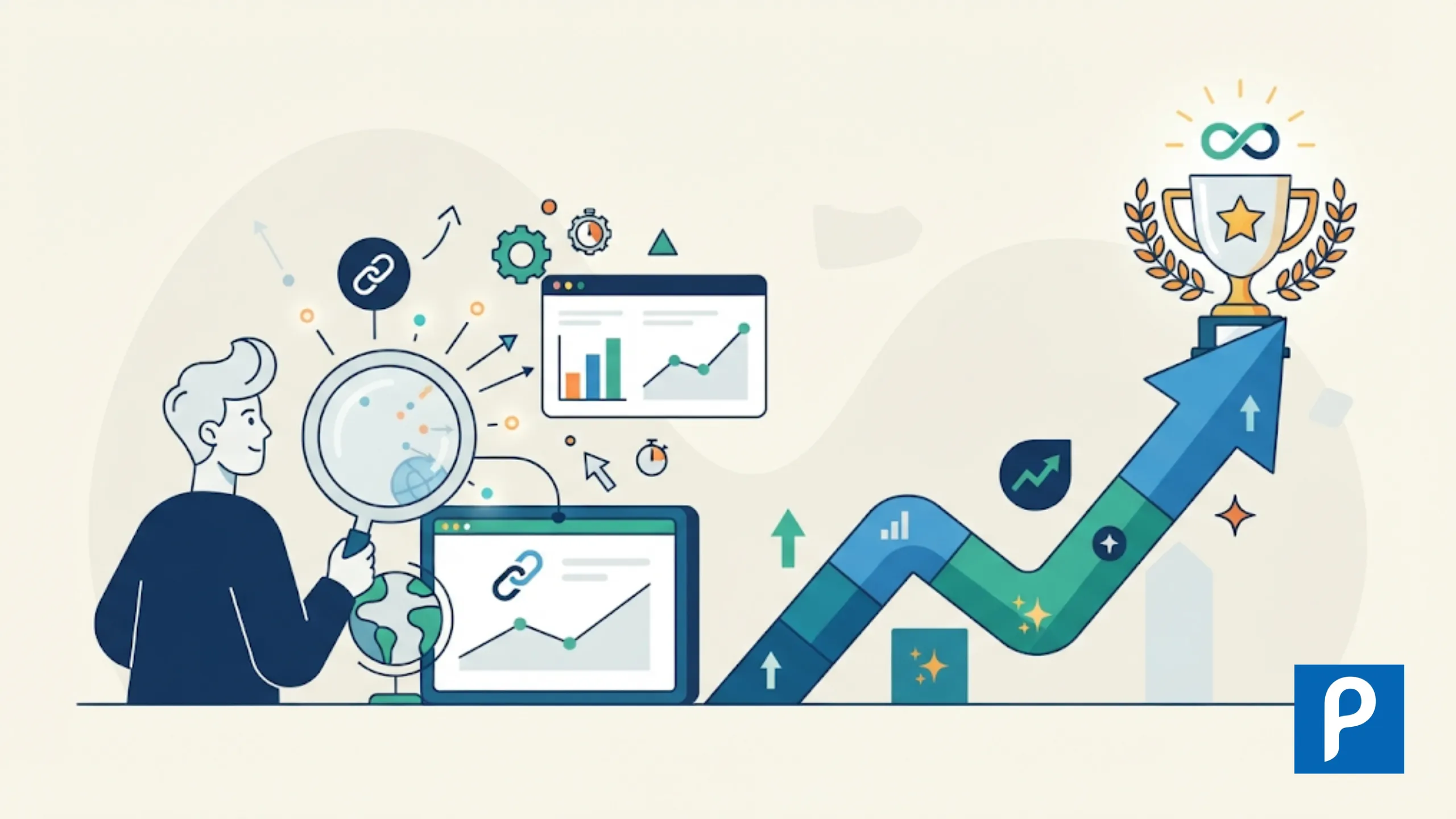
Transform your Fanpage into an addictive journey. Learn how to connect online and offline touchpoints seamlessly using PinURL’s powerful engagement data.
The Fanpage Transformation: Turning Every Touchpoint into an Addictive Experience with PinURL
You know better than anyone that posting great content is just one piece of the social media puzzle. A world-class Fanpage experience doesn't end with a "Like" button. It is the sum of every micro-interaction: from the moment a user sees your first ad, to clicking the link in your bio, to receiving a personalized follow-up message after a purchase.
Today, Page owners face immense pressure: shifting algorithms, skyrocketing ad costs, and a customer base with a shorter attention span than ever. You can’t afford to treat your Fanpage as a static billboard. To truly stand out, every touchpoint—from online discovery to offline reality—must be seamlessly connected. This is where PinURL steps in as the "conductor" of your entire customer journey.
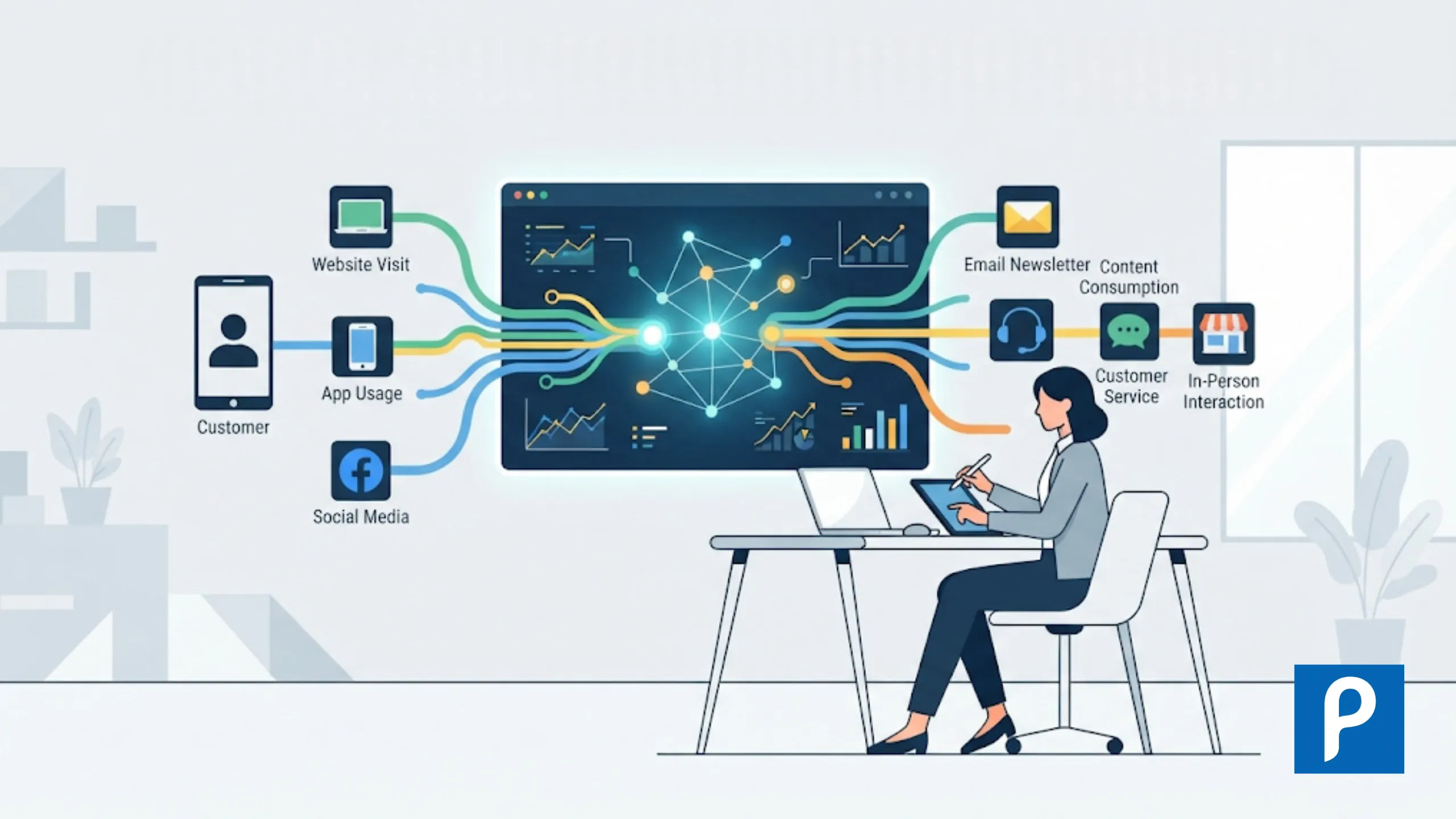
When Fragmented Touchpoints Kill Your Revenue
Imagine a real-world scenario: You run a premium skincare brand. A customer sees a glowing video review on your Fanpage. They are excited and click the order link in the comments, but it’s a mile-long, "spammy" looking URL, or worse, the link is broken. In those 3 seconds of frustration, you’ve lost a sale.
Disconnected digital experiences create friction. They confuse your customers and drain your team’s energy by forcing them to answer questions that a clear, working link should have handled. Professionalism isn't just about high-res photos; it’s about ensuring the customer finds what they need instantly.
PinURL: The Bridge Between Emotion and Action
You cannot improve what you do not measure. To optimize your Fanpage, you need to know exactly where your guests are "touching" your brand. PinURL is far more than a simple link shortener; it is a hub for analyzing customer behavior.
A Practical Example: Instead of sending a heavy Google Drive link for your product catalog via Messenger, use a branded PinURL (e.g., pinurl.com/Summer-Collection).
The Value Added: You’ll know exactly how many people opened it, whether they use iPhone or Android, and what time of day they are most active. This data tells you precisely when to schedule your next big ad spend.
How to Level Up Your Fanpage Experience with PinURL
1. Make Menus and Shops "Light Speed"
Use QR Codes generated via PinURL inside your physical store to drive customers back to your Fanpage or VIP loyalty groups. Instead of reprinting flyers every week, customers simply scan the code to see your latest deals. The scan data will reveal which offline campaigns are actually driving online traffic.
2. Eliminate "Visual Clutter" in Your Posts
A heartfelt post loses its impact if it's cluttered with a five-line-long URL. PinURL keeps your captions clean and credible. Compare the difference:
Before: https://yourstore.com/products/summer-collection-2026-sale-off-50-discount-code-123...
After with PinURL: pinurl.com/50OffSale
Clean links build trust, and trust leads to significantly higher Click-Through Rates (CTR).
3. Mastering the Post-Purchase "Afterglow"
The journey shouldn't end when the package is delivered. Use PinURL in SMS updates or on "Thank You" cards included in the box to lead customers to a feedback survey or a secret discount for their next order. By tracking these clicks through PinURL, you gain a pulse on customer satisfaction without having to play the guessing game.
Measure to Understand, Optimize to Succeed
Improving the customer experience is a marathon, not a sprint. Reviewing your click and scan trends over time helps you identify "friction points" where customers are dropping off. A small tweak to a link's title on PinURL or the placement of a QR code can lead to a massive jump in conversions.
The Bottom Line: Marketing and Customer Experience are now one and the same. The most successful Fanpages are those that use technology to create ultimate convenience. PinURL is the essential tool that helps you turn every "touch" into a moment of delight.
Are you ready to transform your Fanpage journey? Start professionalizing every link with PinURL today!
Frequently Asked Questions (FAQs)
What exactly is "Fanpage Customer Experience"?
It encompasses every interaction a guest has with your brand—from discovery and consulting to the final click and post-purchase support.
Why should I use PinURL instead of the original long link?
PinURL makes your links look cleaner and more trustworthy, but most importantly, it provides deep analytics on user behavior that raw links simply cannot offer.
Does PinURL replace my CRM or Order Management system?
No. PinURL acts as a powerful complement, capturing engagement data from the "outside world" and helping you feed better insights into your existing management systems.