Blogs
Custom LinkedIn URL Guide: Professional Branding with PinURL
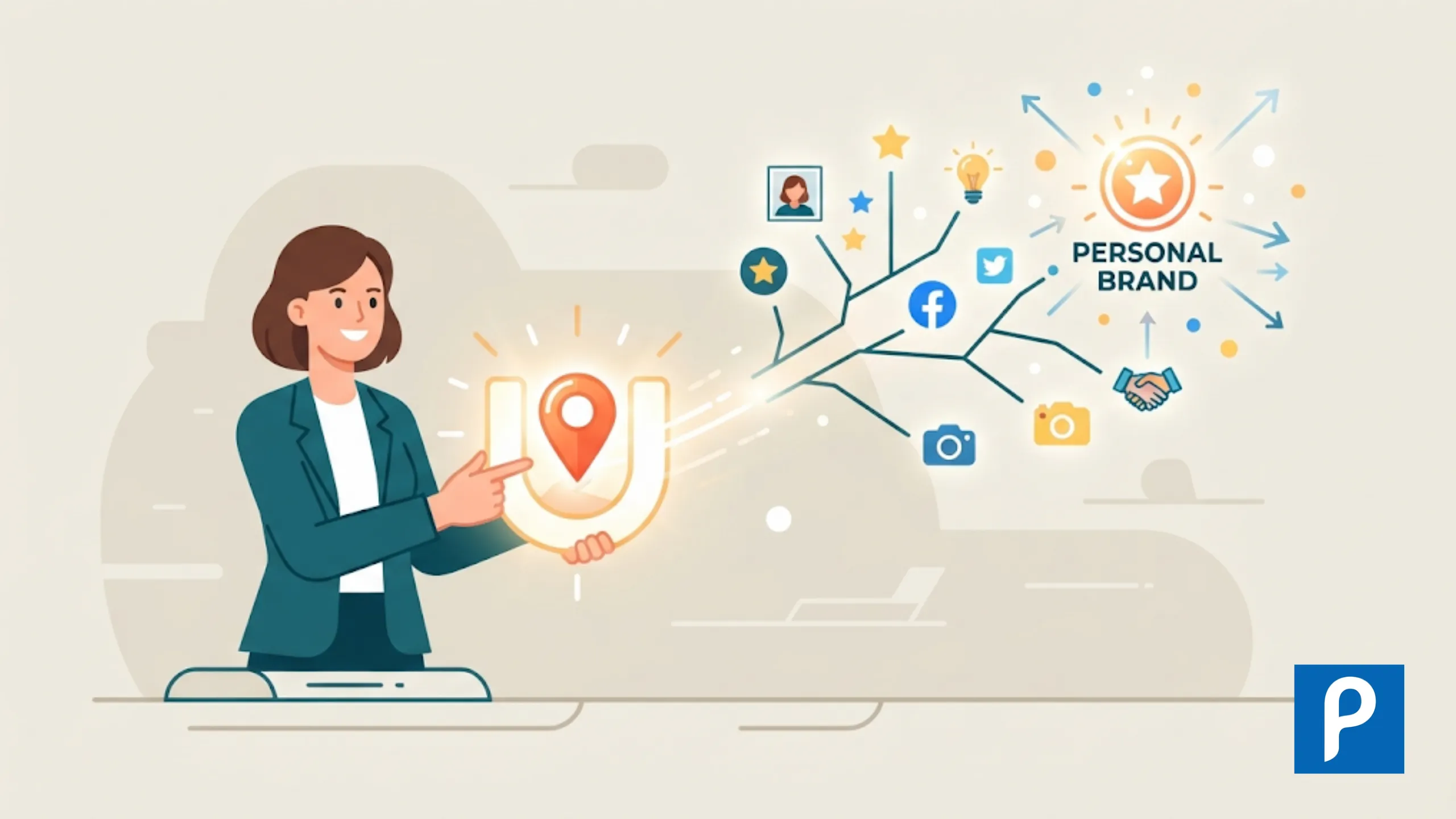
Learn how to create a custom LinkedIn URL and use PinURL branded links to track profile clicks, increase CTR, and professionalize your personal brand.
Stop Letting Your LinkedIn Profile Get "Lost" in a String of Numbers: Personal Branding Breakthrough with PinURL
Imagine you are sending your dream CV to a top recruiter or printing business cards for a high-stakes networking event. What does your LinkedIn link look like? Is it a messy, soul-less string of random characters like linkedin.com/in/john-doe-934b7x, or is it a clean, professional name?
Your LinkedIn URL is often the very first signal of your professional identity before someone even clicks your profile. If it’s still a default string, your profile feels "unfinished," even if the content inside is world-class.
Customizing your LinkedIn URL makes you easier to find, share, and trust. But here is the catch most guides miss: when you change your URL, the old one does not automatically redirect to the new one. This means every link you’ve ever shared—in old emails, CVs, or portfolios—will instantly break.
This guide covers how to master your LinkedIn URL on all devices and, more importantly, how to turn it into a trackable "marketing weapon" using PinURL.
Key Takeaways for Your Professional Growth
- 2-Minute Upgrade: Switching from random numbers to your actual name makes your profile instantly more recognizable and serious.
- The Redirection Trap: LinkedIn allows 5 URL changes within 180 days, but the old URL dies immediately. You must update it manually everywhere.
- The "Name Taken" Solution: If your preferred URL is gone, use professional formulas like First-Last-Industry or First-Middle-Last.
- The PinURL Power Move: Using a Branded Short Link from PinURL gives you a permanent "master link," even if you change your LinkedIn handle again in the future.
- Measure Your Success: Create unique PinURL links for your email signature, CV, and social bios to see exactly which channel is actually getting you noticed by recruiters.
How to Create Your Custom LinkedIn URL (Desktop & Mobile)
On Desktop (Takes 2 minutes):
- Click your profile picture and select "View profile."
- Select "Edit public profile & URL" in the top right corner.
- Under "Edit your custom URL," click the pencil icon.
- Enter your desired name (LinkedIn recommends using the name found on your CV). Click "Save."
On Mobile:
- Tap your profile photo -> View Profile.
- Tap the pencil icon to edit your profile info.
- Scroll to "Contact info" and tap the edit icon to update the URL.
PinURL Tip: Immediately after saving, copy the new URL and update your email signature and digital CV to avoid broken links!
Turn Your LinkedIn Link into a Branded Asset with PinURL
If you are serious about expanding your network, don't just share a raw link. Use PinURL to take full control of how you appear.
Instead of a long, cluttered link: linkedin.com/in/johndoe-marketing-expert-london
Use a clean PinURL: johndoe.pro/linkedin or pin.to/john-cv
Why use PinURL for LinkedIn?
- Boost Click Rates (CTR): Research shows branded short links increase clicks by up to 39% compared to long or generic URLs.
- Ultimate Flexibility: If you change your LinkedIn handle again, just update the destination in your PinURL dashboard. You won't need to reprint business cards or resend your CV.
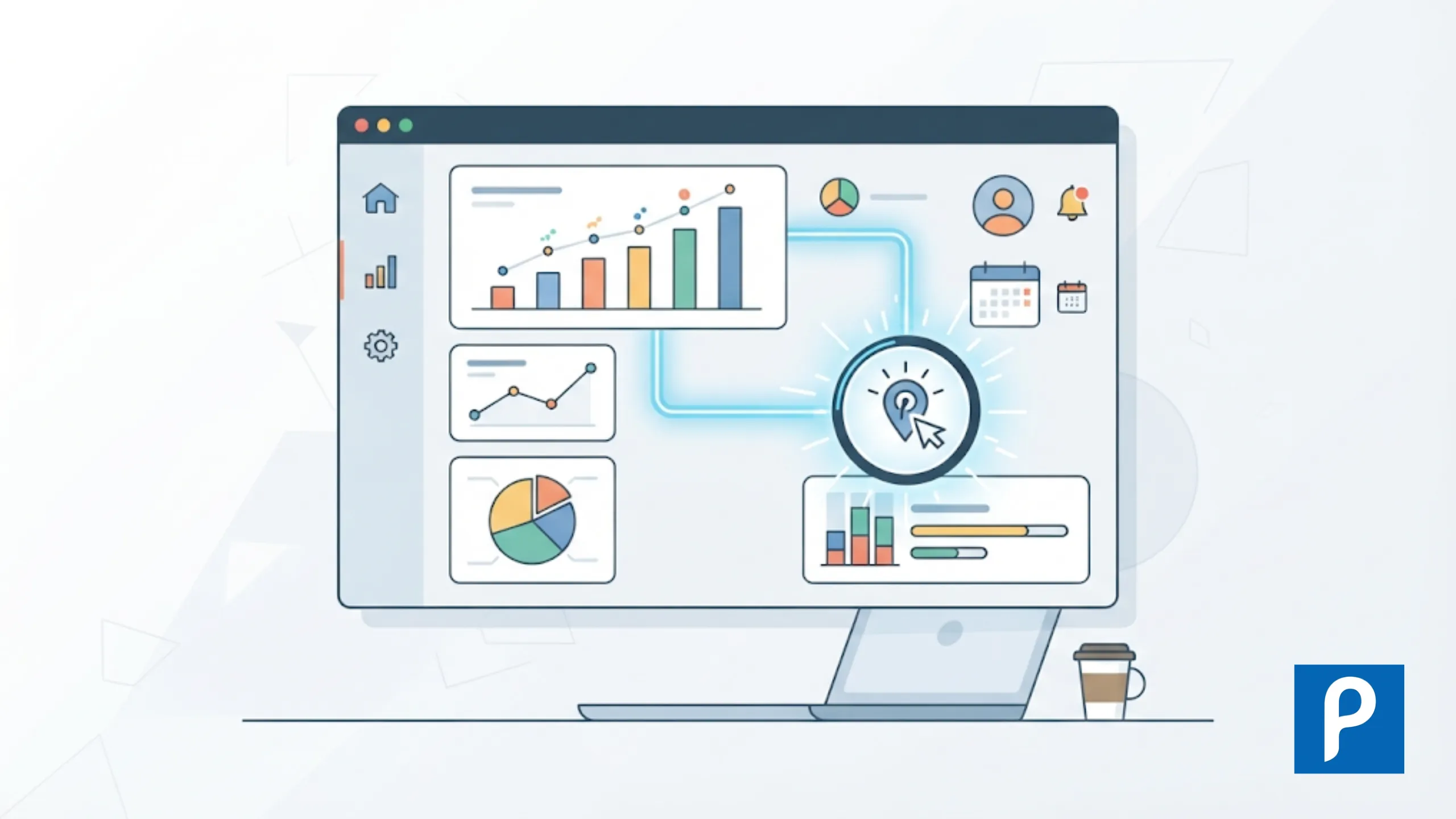
- Deep Analytics: With PinURL Analytics, you get a full report: How many people clicked the link in your CV? What city are they in? Are they browsing on iPhone or Android?
"Contactless" Connection with PinURL QR Codes
At conferences, paper business cards are often forgotten or lost. With PinURL, you can create a Dynamic QR Code that leads straight to your LinkedIn profile.
- Place the QR code on your presentation slides or event badge.
- New contacts scan the code and connect with you in seconds.
- The Bonus: You can track exactly how many people scanned your code at that specific event right within the PinURL system.
FAQs
1. Can I change my LinkedIn URL multiple times?
Yes, up to 5 times every 180 days. However, once you change it, the old one is released and can be claimed by someone else. This is why using PinURL as your "front-facing" link is a smarter long-term strategy.
2. Does a custom URL help with SEO?
Yes. A clean URL like linkedin.com/in/johndoe ranks much better on Google when someone searches for your name compared to a default string of numbers.
3. How can I share my LinkedIn without showing the full long URL?
The best way is via PinURL. Create a short link that matches your brand (e.g., pin.to/JohnDigital) and use it in your Instagram, TikTok, or Facebook bio. It looks professional and lets you measure your social media performance.